How I Built a Free AI Carousel Generator (With The WebJSON Prompting Technique)
The Problem: Manual Carousel Design Sucks

If you've ever tried to grow an audience on LinkedIn or Instagram, you know that carousels are one of the highest-converting content formats available.
But I had a massive problem: I was spending hours designing them.
My brother creates content for social media, and watching him manually copy-paste text from ChatGPT into design software, search for background images, and adjust layouts slide-by-slide was agonizing.
I thought: What if I could automate this entire process using AI?
The challenge wasn't generating the text—any AI can do that today. The real bottleneck was getting the AI to output that text in a structured format that a software application could instantly read and render into a visual design.
That's when I discovered the WebJSON technique.
What Is WebJSON Prompting?
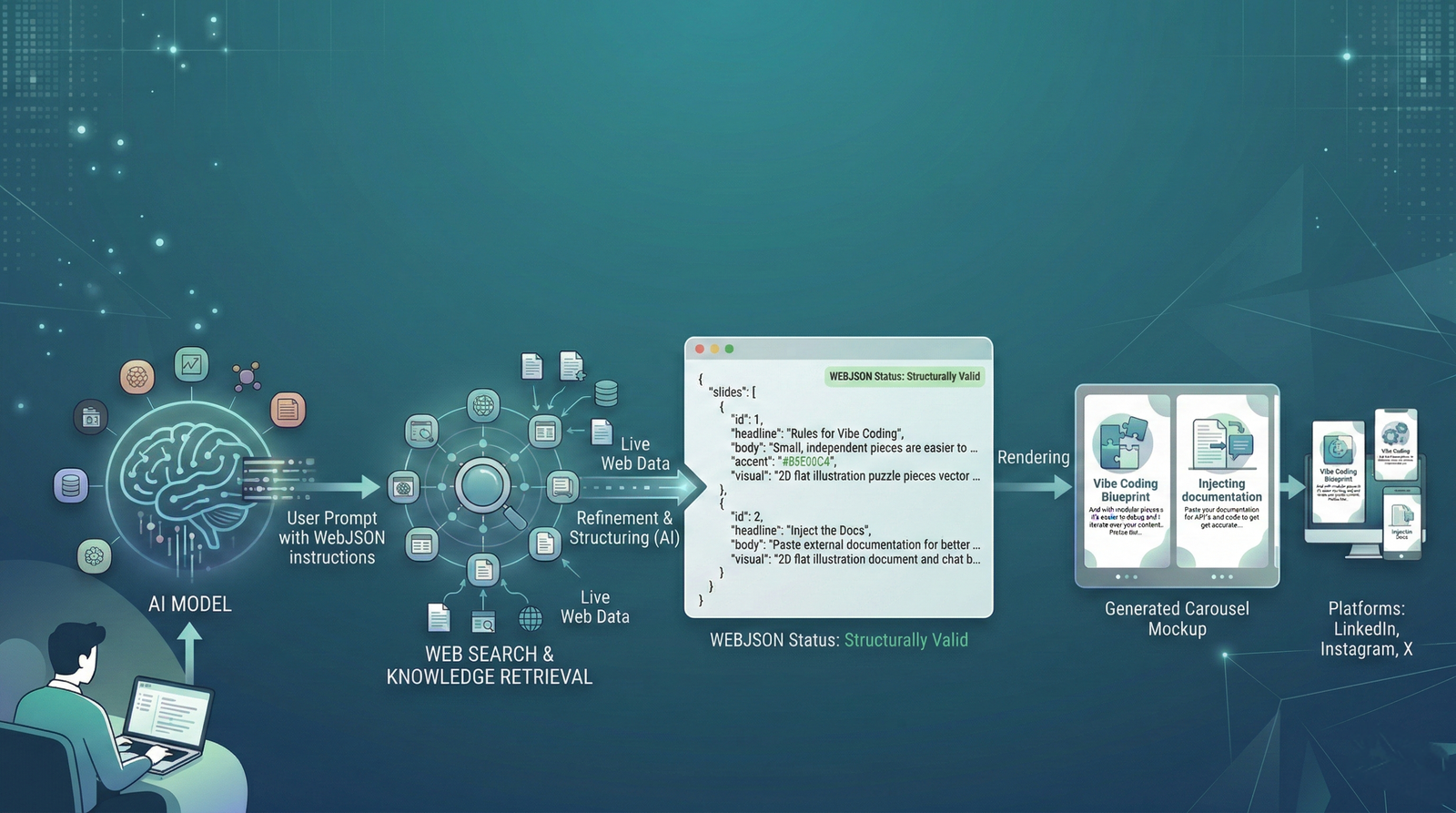
WebJSON is an advanced prompting technique that combines two incredibly powerful AI capabilities: live web search and structured JSON output.Here’s the simple idea: You instruct an AI (like Claude or ChatGPT) to first search the web for accurate, real-time information. Then, you force it to output that information strictly in a specific JSON structure that you define.
Why does this matter for builders and marketers?
Because once you have structured JSON, you can feed it directly into any application. No manual data entry. No copy-pasting. Just automated workflows powered by real-time data.
(I actually teach this technique in-depth alongside four others in my free YouTube series, which you can find in our AiTooly Blog Archive.)
How Does WebJSON Actually Work?

(The WebJSON technique creates a bridge between live web data and structured application endpoints.)
The technique relies on three core components:
- Force the Search: You explicitly tell the AI to search the web first. This ensures you get current, accurate information (like today's AI news) instead of hallucinated or outdated training data.
- Define a Strict Schema: You show the AI exactly what structure your software needs. You define the field names, the data types, and provide an example.
- Combine & Execute: The AI searches, synthesizes the information, and formats everything perfectly into your schema.
Why I Built the AI Carousel Generator
Once I realized I could get Claude to output perfect JSON containing headers, text, and image prompts, I knew I could build software to read it.I wanted a system where I could:
- Ask Claude for trending topics.
- Get a JSON file back.
- Drop it into an app.
- Have a beautiful carousel instantly generated.
Two days of intense coding later, I had a working system. By utilizing the JSON data, my custom-built AI tools could automatically map the text to HTML cards and use APIs to generate the background images.
What Can the Carousel Generator Do?
I decided to make the tool completely free and open-source for the AiTooly community. Here is what it can do:- AI-Powered Image Generation: Connect your Google Gemini API key, and the tool reads the "visual" prompt from your JSON to automatically generate background images for every slide.
- Platform-Ready Export: Generate vertical carousels optimized for Instagram (1080×1350) or square formats for LinkedIn and Twitter (1080×1080).
- Full Customization: Control fonts, colors, branding elements, and gradient overlays. It includes 8 built-in premium themes. Free Alternative (URL Mode): Don't want to pay for Gemini API requests? I built a version that prompts Claude to find existing* image URLs on the web and inject those into the JSON instead. Zero cost.
How to Use the Carousel Generator (Step-by-Step)
Step 1: Generate Your JSON with Claude
Open Claude (or ChatGPT) and use the WebJSON technique.Example Prompt:
"Search the web for the latest AI news this week. Create a 7-slide carousel with headlines, body text, and visual image prompts for each slide. You MUST output this strictly as valid JSON matching this schema: [INSERT SCHEMA]."
Copy the generated JSON and save it as a file.
Step 2: Import into the App
Open the Carousel Generator application and click "Input JSON." Select your file. The tool will instantly populate all slides with your content.Step 3: Generate the Magic
Click "Generate All". Watch as the tool loops through your JSON, hits the Gemini API for each slide's visual prompt, and creates your background images.Step 4: Export and Post
Adjust your brand colors, preview the flow, and hit export. You'll get a ZIP file of high-res PNGs ready for LinkedIn or Instagram.Get the Free Carousel Generator Today
WebJSON is a pattern you can apply to dozens of projects—from research tools to data dashboards. By combining web search with structured output, you can build applications that were previously impossible for solo founders.If you are ready to stop wasting hours in Canva and start automating your content pipeline, you can download the full suite below.
- The download includes:
- The Desktop Application (Windows, macOS, Linux)
- The Full Source Code (modify it yourself!)
- My exact WebJSON prompt templates.
Download the AI Carousel Generator Here (Link coming soon)
If you want to learn more about how to script and automate your own SEO and content workflows, be sure to check out our Keyword Density Checker and other free AI tools to streamline your marketing stack!
You Might Also Like
Discover more insights and strategies to grow your skills
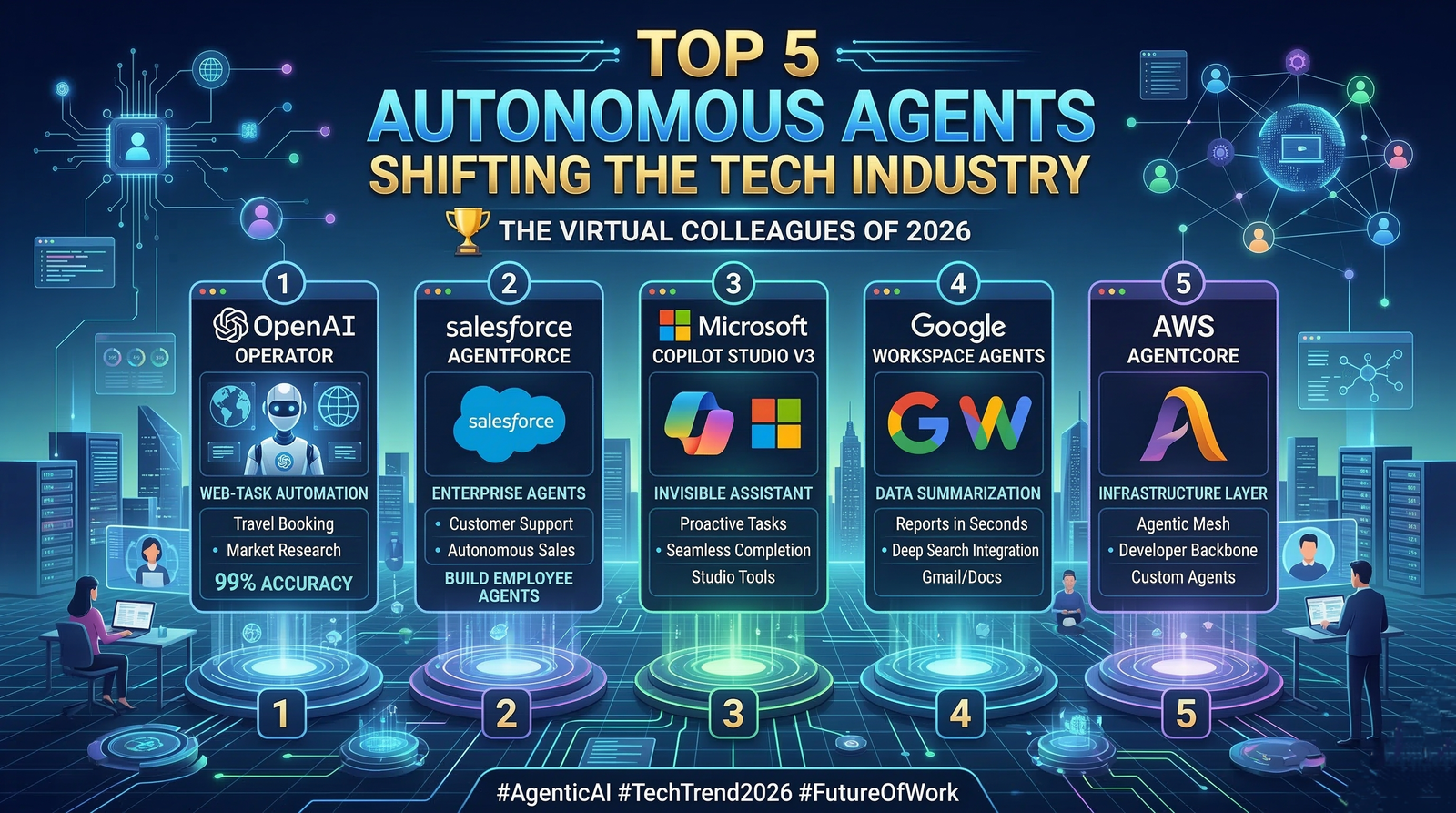
Agentic AI News 2026: Top 5 Autonomous Agents Shifting the Tech Industry
The Manual AI era is officially dead. In 2026, the tech industry has pivoted completely to Agentic AI—autonomous systems that don’t just talk, but act.
Read More
How to Solve the AI "Cookie-Cutter" Content Crisis in 2026
Google's 2026 algorithm update now detects surface-level AI patterns instantly. Learn how to solve the loss of ranking with our Human-Centric AI Tuning framework.
Read More